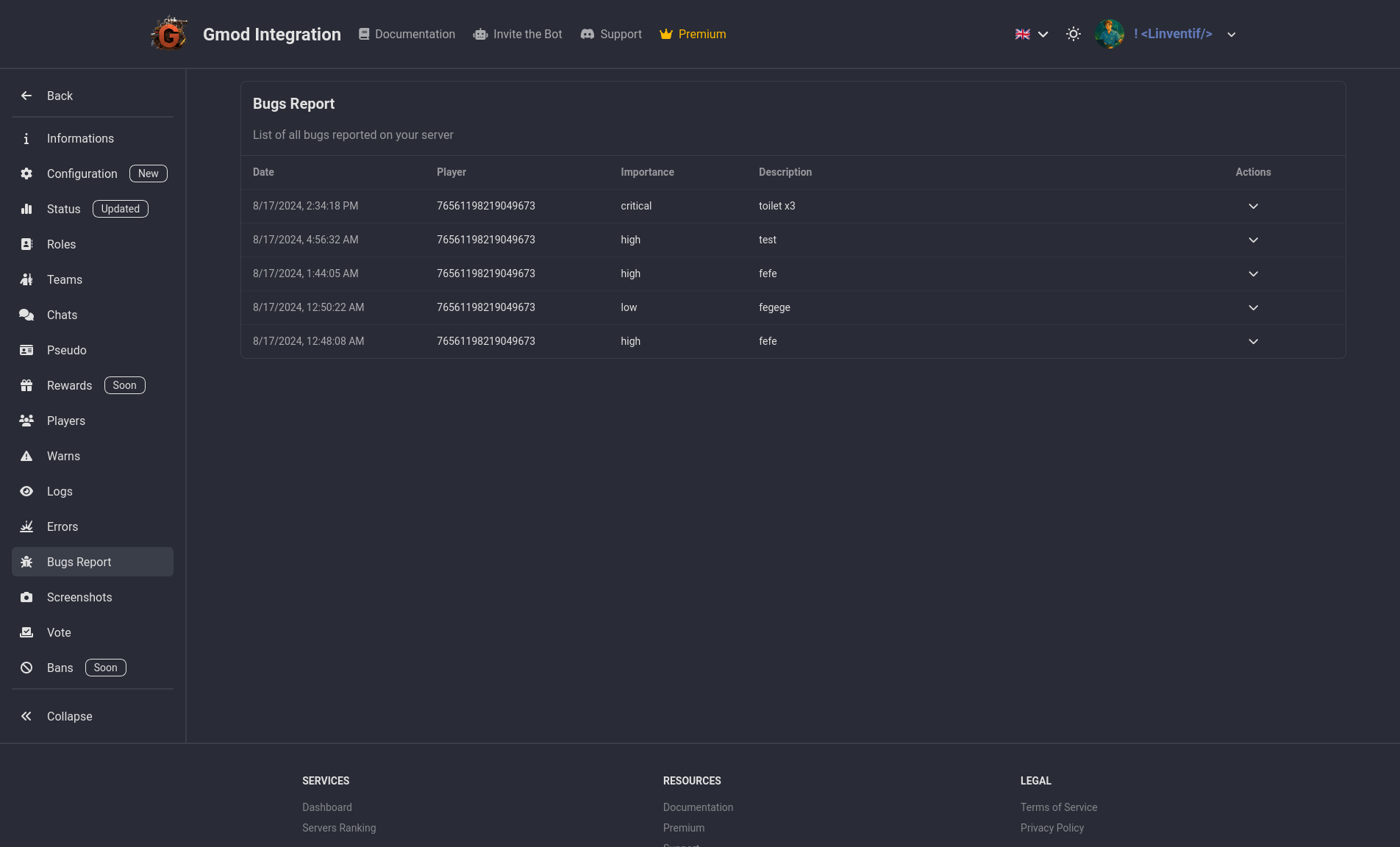
Bug reports
Read reports submitted by players in game, including their date, author, importance, description, expected and actual results, reproduction steps and optional screenshot.
Send bug reports to Discord
In Bug reports on Discord, choose Select channel, select a text channel and confirm. The bot needs View Channel, Send Messages and Embed Links in that channel.
New reports are saved to the panel and sent to the selected channel with their importance, description, expected and actual results, and reproduction steps. A saved screenshot is shown when available. Long report text is shortened on Discord; the complete report remains in the panel. Selecting a channel does not publish old reports.
Use Remove destination to stop sending notifications. The Discord channel, saved reports and screenshots remain available. Discord delivery failures do not discard a player's report.