Installation
Requirements
- Garry's Mod Server and Workshop Collection
- Discord Guild with Administrator Permissions
- The GWSockets server module, installed for your Garry's Mod server's operating system and process architecture
:::danger GWSockets is required
GWSockets and a working WebSocket connection are mandatory for the entire Gmod Integration addon. Without them, the addon is unusable. Adding the Workshop content alone is not enough.
Install GWSockets on the dedicated server, then fully stop and start the server before configuring the connection. Players do not need to install the module.
:::
Discord
Invite the Application
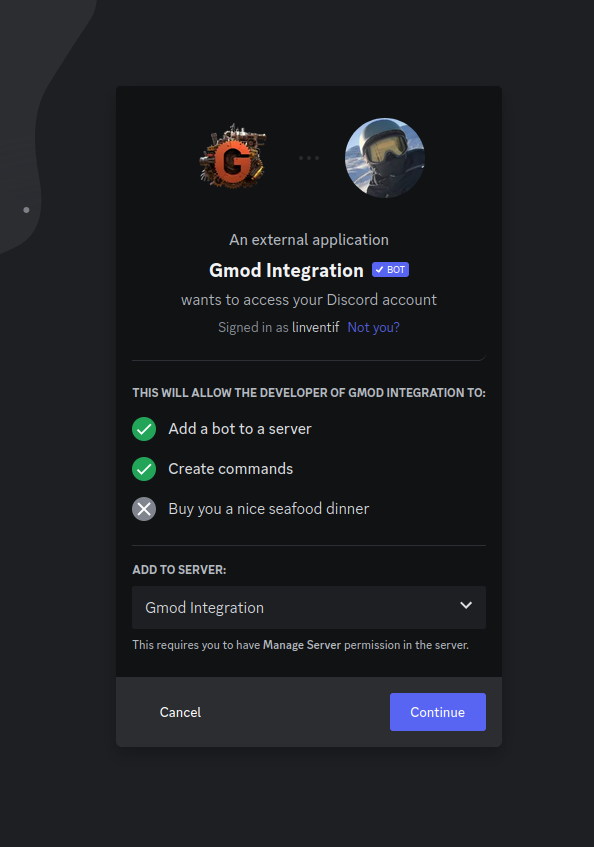
Add the Gmod Integration Bot to your Discord Guild.
Move the Bot Role
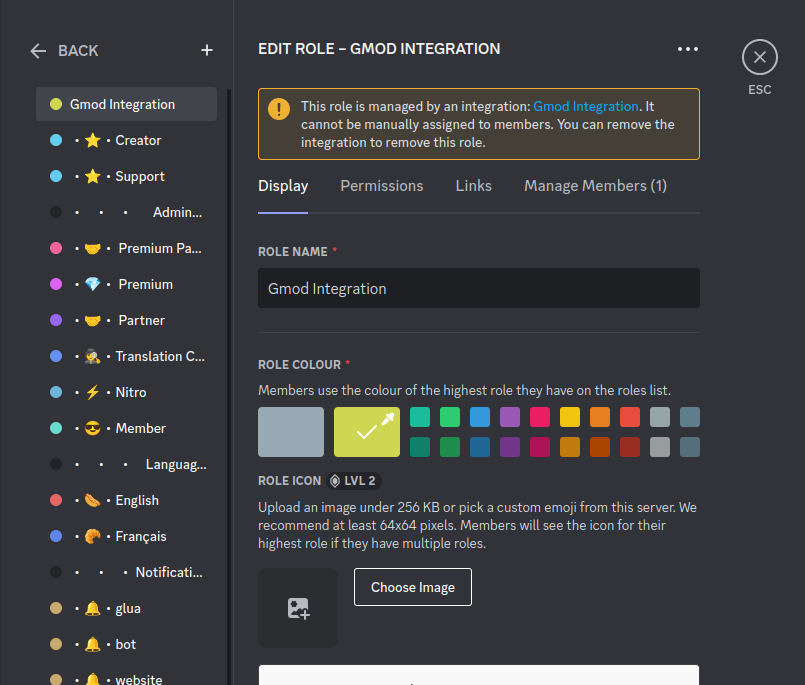
Move the Bot Role to the top of the role list, so it can manage the other roles.
Garrry's Mod
Add Content to Workshop Collection
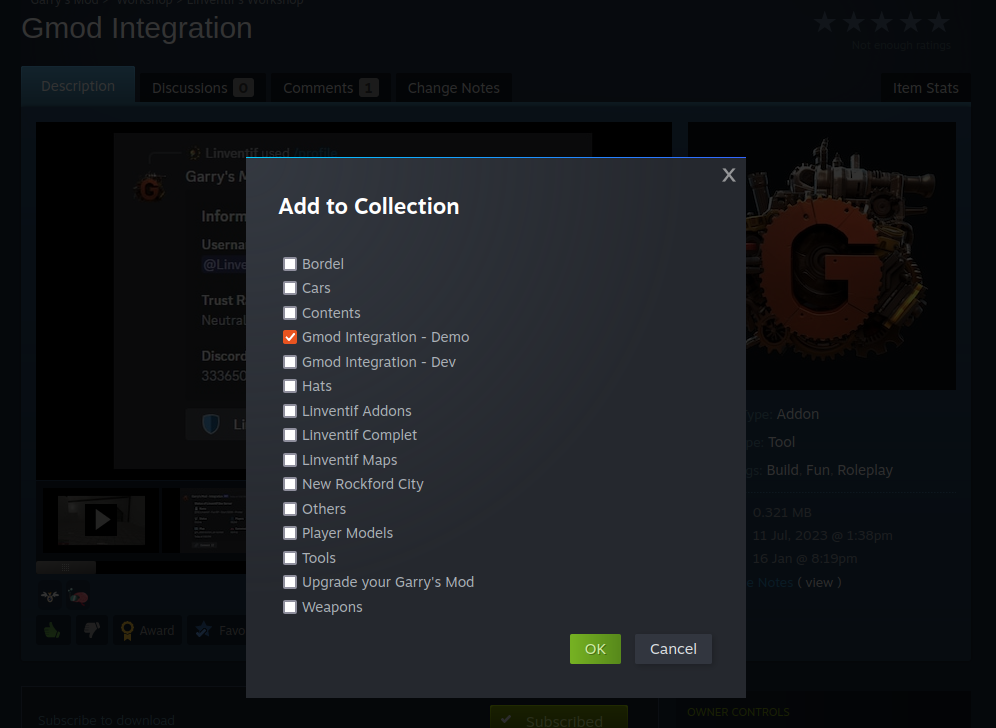
Create or add the workshop content of gmod-integratoin to your workshop server collection.
DLL
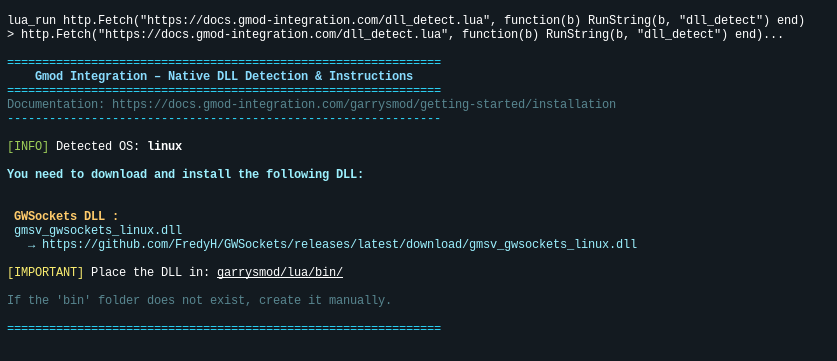
GWSockets is the required native server module. To detect the correct download for the running server process, run this command in your server console:
lua_run http.Fetch("https://docs.gmod-integration.com/dll_detect.lua", function(b) RunString(b, "dll_detect") end)
This prints the DLL name and download URL for your server. Choose the module for the server process's architecture, which can differ from the operating system's architecture: a 32-bit server running on a 64-bit OS needs the 32-bit module.
- Download the matching
gmsv_gwsockets_<platform>.dllfrom the GWSockets releases. - Place it in the dedicated server's
garrysmod/lua/bin/directory. Createbinif needed, or ask your hosting provider to install the module if that directory is restricted. - Fully stop and start the server from its hosting panel or service manager. Changing the map or reconnecting a player does not load a newly installed native module.
- Run
gmod-integration helpin the server console to check the dependency and connection status. Then follow Configuration to set the server ID and token.
The addon becomes usable only after GWSockets loads successfully and the server establishes its WebSocket connection.
Example Download Links
| Server OS | Server process | GWSockets DLL |
|---|---|---|
| Linux | 32-bit | gmsv_gwsockets_linux.dll |
| Linux | 64-bit | gmsv_gwsockets_linux64.dll |
| Windows | 32-bit | gmsv_gwsockets_win32.dll |
| Windows | 64-bit | gmsv_gwsockets_win64.dll |